Mục Lục
- Blazing Fast Page Speed
- Ironclad Security (HTTPS/SSL)
- Mobile-First (Not Just Mobile-Friendly) Design
- Intuitive & Simple Navigation
- Clear 'About' & 'Contact' Info
- Robust On-Site Search
- Compelling Calls-to-Action (CTAs)
- Authentic Social Proof & Testimonials
- 24/7 AI Customer Support (The "New" Must-Have)
- Key Takeaways
- Frequently Asked Questions (FAQs)
- References
9 New Website Features to Boost Conversions
thg 11 13 2025
Mục Lục
- Blazing Fast Page Speed
- Ironclad Security (HTTPS/SSL)
- Mobile-First (Not Just Mobile-Friendly) Design
- Intuitive & Simple Navigation
- Clear 'About' & 'Contact' Info
- Robust On-Site Search
- Compelling Calls-to-Action (CTAs)
- Authentic Social Proof & Testimonials
- 24/7 AI Customer Support (The "New" Must-Have)
- Key Takeaways
- Frequently Asked Questions (FAQs)
- References
9 New Website Features to Boost Conversions
Launching a new website is exciting. You've picked the colors, finalized the logo, and written the copy. But a beautiful website doesn't automatically mean an effective one. The real goal isn't to launch, it's to convert.
Why do so many beautiful websites fail to generate leads or sales? The answer often lies in a lack of strategic features. Your website isn't just a digital brochure; it should be a 24/7 sales machine.
Luckily, turning visitors into customers isn't a mystery. It comes from implementing proven new website features that guide the user and build trust. In this article, we'll break down 9 essential features grouped into three parts: the technological foundation, the user experience, and the conversion engine. We'll explore why elements like speed, security, and instant AI support are no longer optional, they're mandatory.

Part 1: The Foundation (Non-Negotiable Tech Features)
Before you can even think about the color of your CTA button, you have to build your house on a solid foundation. If your website fails at these three points, the best conversion features in the world can't save you.
Blazing Fast Page Speed
Today's web visitors are impatient. They expect instant gratification. Why fast loading speed matters is no longer a debate, it's a requirement.
- Google reports that a 1-second delay in mobile page load time can impact conversion rates by up to 20% (Think with Google, 2018).
- A slow site doesn't just frustrate users and send them clicking the "back" button (increasing your bounce rate); it also gets penalized by Google in search rankings.
- Invest in quality hosting, optimize your image sizes (use formats like WebP), and leverage browser caching to ensure your pages load in under 2 seconds.
Ironclad Security (HTTPS/SSL)
Trust is the currency of the web. The fastest way to destroy it is to have your visitor's browser show a "Not Secure" warning.
- What is HTTPS? It means your site has an SSL (Secure Sockets Layer) certificate. This encrypts data between your server and the user (like credit card info or passwords).
- The Impact: Google Chrome and other browsers actively flag non-HTTPS sites as "Not Secure." This is a massive conversion killer. Building trust with website visitors starts with that little padlock icon. It's also a small but important SEO ranking factor.
Mobile-First (Not Just Mobile-Friendly) Design
We are long past the days of "mobile-friendly." We are now in the "mobile-first" era.
- The Difference: "Mobile-friendly" (responsive) means your desktop site shrinks to fit a small screen. Mobile-first website design means you design the experience for the mobile device first, then expand it for desktop.
- Why? Google uses Mobile-First Indexing (Google, 2024), meaning it indexes and ranks your site based on its mobile version, not its desktop one. More importantly, over 60% of global web traffic comes from mobile devices. If your site is a pain to use on a phone, you're losing the majority of your potential customers.
Part 2: The User Experience (Features That Keep Visitors)
Once your foundation is solid, it's time to focus on making your visitor's experience smooth and intuitive. The goal is to reduce "friction", anything that makes a user have to think too hard.
Intuitive & Simple Navigation
Your navigation menu is not the place to get creative. It's a map. If users get lost, they leave.
- Best Practice: Stick to conventions. Have your logo in the top-left (linking to home), a clear main menu at the top, and key items (e.g., "Services," "About," "Blog," "Contact").
- The "3-Click Rule": While a debunked myth, its spirit is correct: users shouldn't have to dig through multiple layers of menus to find what they need. Keep your hierarchy flat.
- Unique Insight: View your navigation bar as a sales tool. The items you choose (e.g., "For Small Business" vs. "For Enterprise") can pre-qualify and funnel users into the right conversion path immediately. This is a key part of user-friendly website design.
Clear 'About' & 'Contact' Info
Users want to know who is behind the website. A faceless "About" page or a "Contact" page with only a generic form creates suspicion.
- About Page: Tell your story. Show real photos of your team. Explain your "why." This is a prime opportunity to connect on a human level.
- Contact Page: Don't hide it! Provide multiple ways to get in touch: a simple form, a clickable email address, a phone number, and if applicable, a physical address. Put your key contact info (like phone or email) in the footer of every page.
Robust On-Site Search
If your site has more than 20 pages or a blog, a search bar is a must. Many users (especially returning ones) know exactly what they want and will search for it rather than navigate menus. A poor search bar (one that returns "0 results" for reasonable terms) is infuriating. Invest in a good on-site search tool that provides suggestions and can handle simple typos.
Part 3: The Conversion Engine (Features That Drive Action)
Your foundation is solid. The user experience is smooth. Now it's time to ask for the sale. These are the features that turn passive viewers into active leads and paying customers.
Compelling Calls-to-Action (CTAs)
This is one of the most critical website features that increase conversion. A weak CTA is a missed opportunity on every single page.
- Bad to Good:
- Bad: "Submit"
- Okay: "Learn More"
- Good: "Get Your Free Consultation"
- Great: "Start Building Your Chatbot in 3 Minutes"
- Clarity > Cuteness: Your CTA should be descriptive and action-oriented. The user should know exactly what will happen when they click. Use high-contrast, colored buttons to make them stand out.
- Unique Insight: Every single page on your site should have a primary CTA. Homepage? "Start Free Trial." Blog post? "Subscribe for More Tips." Service page? "Book a Consultation." Never leave a user at a dead end.
Authentic Social Proof & Testimonials
People trust other people more than they trust brands. You need to prove that others have found success with you.
- The Data: A 2023 survey from BrightLocal found that 76% of consumers "always" or "regularly" read online reviews when browsing for local businesses.
- How to Do It: Don't just post a quote. Use real names, companies, and real photos of your customers (video is even better). Embed reviews from Google or third-party sites to add authenticity. Place your best testimonials right on the key elements of a good website homepage.
24/7 AI Customer Support (The "New" Must-Have)
In the past, "Live Chat" was a great feature... but an expensive one. It required having staff on standby 24/7. Today, AI has changed the game.
- The Problem: Visitors have questions right NOW. They will not wait for you to answer an email tomorrow. If they can't find an answer, they will leave and go to your competitor.
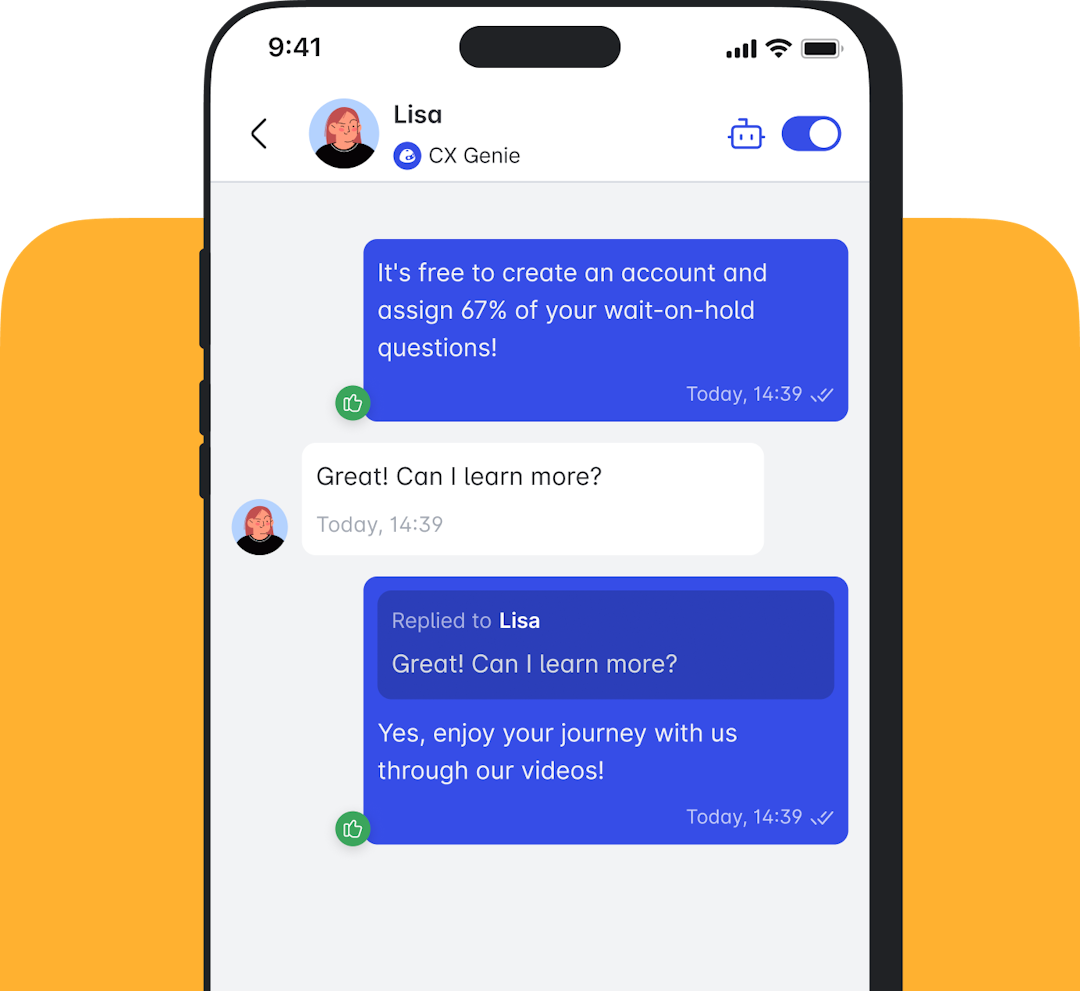
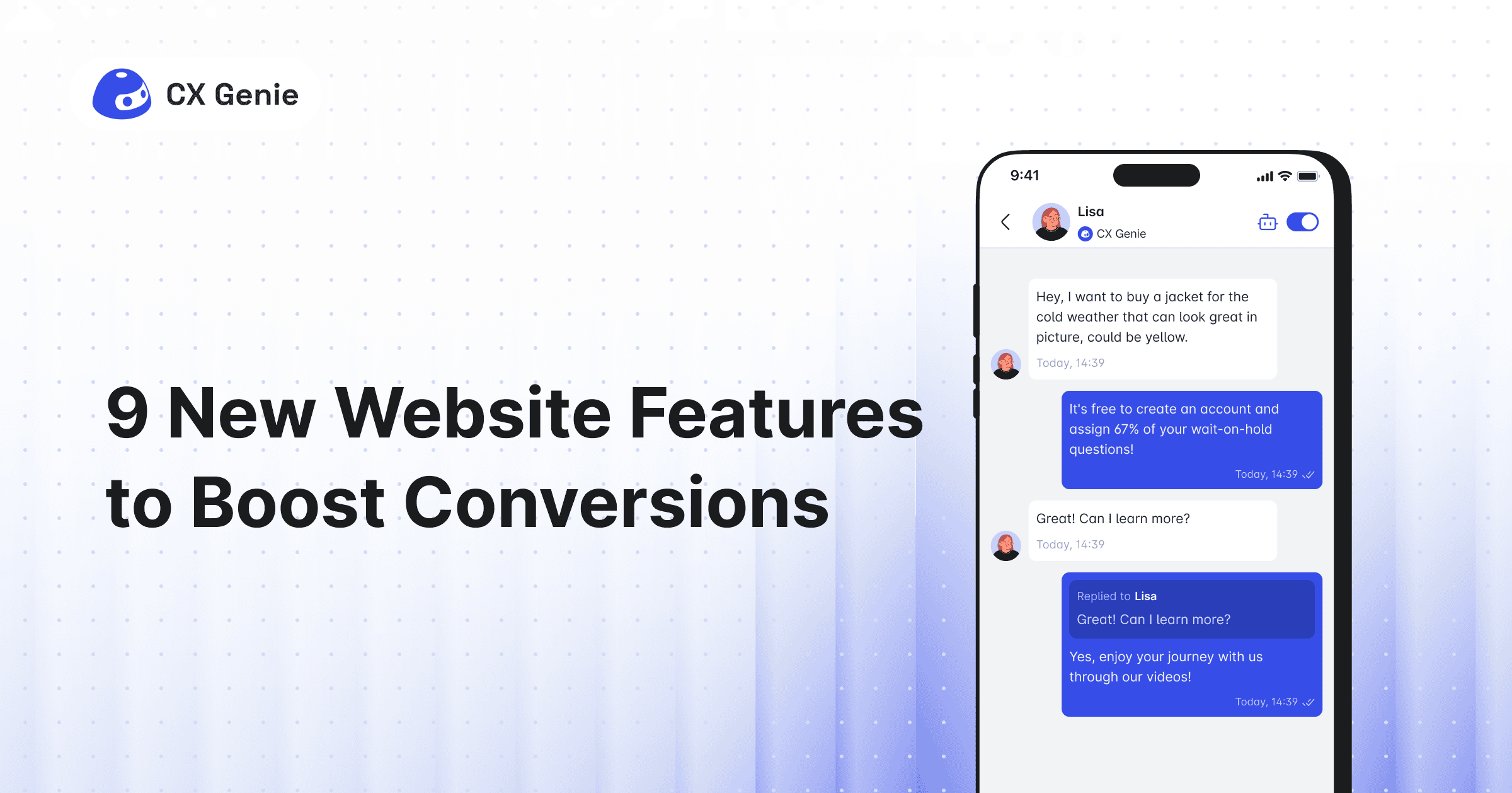
- The Solution: Modern customer support website features use AI. This is where platforms like CX Genie shine. Instead of an empty chat window, CX Genie acts as a virtual assistant trained on all your data.
- How It Works: It can instantly answer 80% of common questions (e.g., "What's your return policy?", "Do you integrate with Shopify?"). For complex questions, it can capture the lead's info (becoming a lead generation website feature) and schedule a demo. This isn't just a support feature; it's an automated sales machine, ensuring you never miss a lead, even at 3 AM.

Key Takeaways
Here's a quick summary of the essential features your new website needs to succeed:
- Tech Foundation: Ensure your site is lightning-fast, secure (SSL), and designed for mobile-first.
- User Experience: Make navigation effortless and provide transparent "About" and "Contact" information.
- Conversion Engine: Use clear CTAs, authentic social proof, and 24/7 AI customer support to proactively drive action.
- Speed is Everything: A 1-second delay can devastate conversion rates.
- Trust is Key: Security and social proof build the confidence needed for a sale.
- AI is the New Salesperson: Don't just offer "live chat." Provide 24/7 instant answers with an AI chatbot.
Building a high-converting website in 2025 isn't magic. It's strategy. It's no longer just about aesthetics; it's about building a digital system that anticipates user needs and guides them seamlessly to a solution.
We've seen that success starts with an unbreakable foundation: a site that's lightning-fast, rock-solid secure, and flawless on mobile. But that foundation only gets you in the race. You win the race with a frictionless user experience where navigation is instinctual and contact is clear and with a relentless conversion engine.
Don't just launch a website and hope for the best. Deploy powerful CTAs. Let your happiest customers do the selling for you through social proof. And most importantly, don't make your visitors wait. In an age of instant gratification, adding a 24/7 AI assistant like CX Genie is no longer a luxury new website feature it's a game-changing element in capturing every single conversion opportunity.
Frequently Asked Questions (FAQs)
1. What is the most important website feature for a small business? For must-have website features for small business, the most critical are clear contact information and a primary CTA (e.g., "Get a Quote," "Book an Appointment"). If people can't figure out how to contact you or what you want them to do, all other features are meaningless.
2. How much do these new website features cost? The cost varies widely. SSL (Security) is often included for free with many hosting providers. Speed improvements can range from free (optimizing images) to costly (upgrading servers). AI tools like CX Genie often have free or low-cost plans to get started, making them very accessible.
3. Should I prioritize a blog or an AI chatbot first? This depends on your goals. If you need to solve the problem of visitors leaving because they can't get an answer (support/sales), prioritize the AI chatbot. If your primary goal is to attract organic traffic and build authority (marketing), prioritize the blog. Ideally, they work together: use the blog to get traffic, and use the chatbot on the blog to convert that traffic.
Leave Us Your Feedback!
Thanks for reading! Did we miss any new website features that you think are essential? Which feature on this list has made the biggest impact on your business?
Don't forget to share it with a colleague or friend who's planning a new website!
References
- BrightLocal. (2023). Local Consumer Review Survey. Provides data on how consumers read and trust online reviews.
- Google. (2024). Mobile-first indexing best practices. Google Search Central. Google's official documentation explaining how they index sites based on the mobile version.
- Think with Google. (2018). New Industry Benchmarks for Mobile Page Speed. Data analysis on the relationship between mobile page speed and conversion rates.



Đăng ký các mẹo & tin tức hữu ích về AI.
Bài viết liên quan