
Getting Started With CX Genie: A Beginner's Tutorial
Dec 15 2023
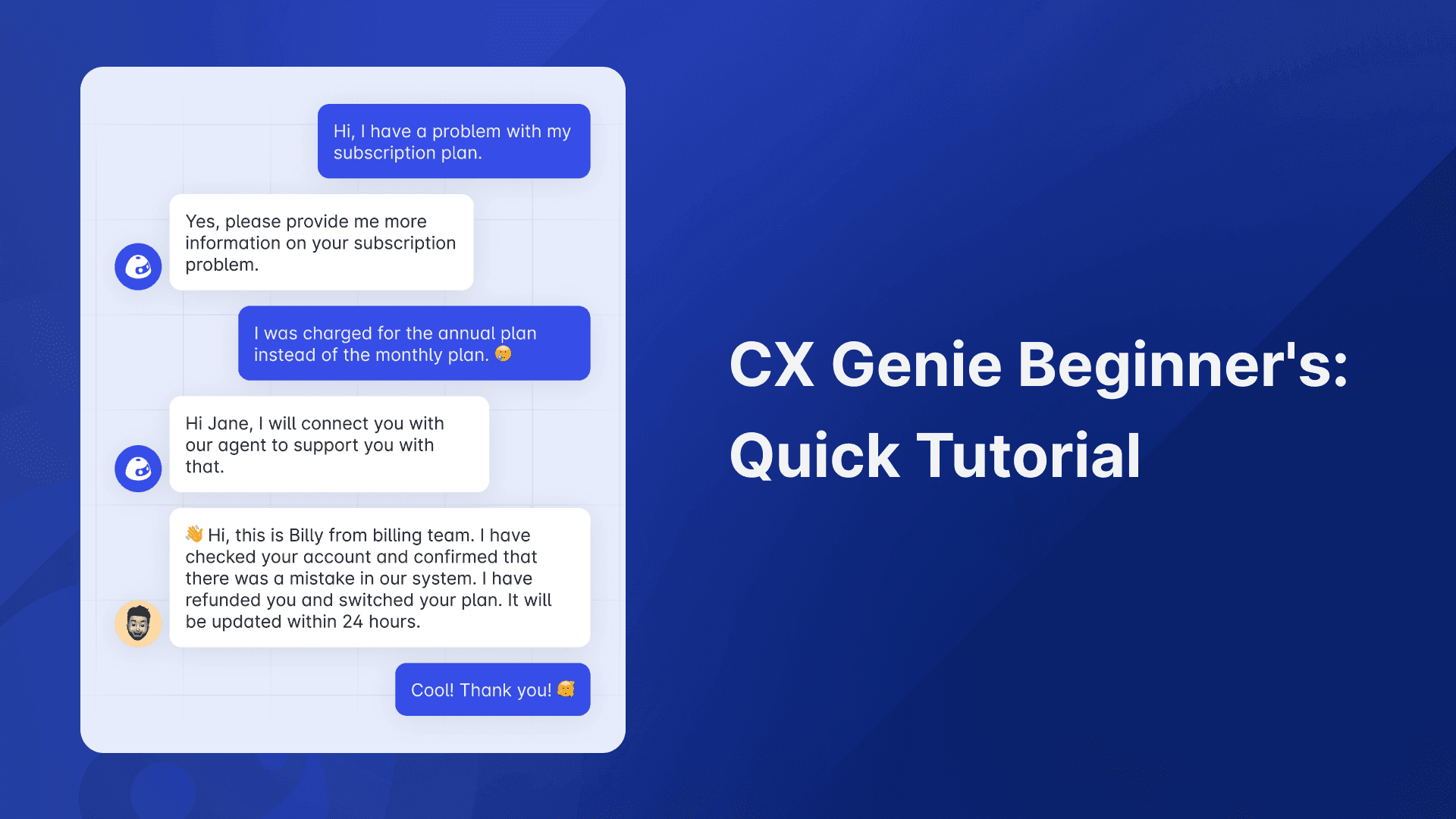
Welcome to CX Genie – your gateway to intelligent and efficient customer support. Whether you're a seasoned pro or just starting, this tutorial will guide you through the basics to kickstart your journey.
Step 1: Sign Up and Set Up Your Workspace
- Visit CX Genie and click on "Sign in"
- Fill in the required information to create your account.
- Fill in your company URL
Step 2: Understand the Dashboard
- After signing in, explore the CX Genie dashboard.
- Familiarize yourself with the main sections: Bots, Reports, Settings, and Integrations.
Step 3: Create Your First Bot
- Navigate to the "Bots" section.
- Click on "Create Bot" to initiate the bot-building process.
- Define your bot's purpose, add a greeting, and customize its appearance.
Step 4: Message Flow – Building Conversations
- Head to "Message Flow" under Bots.
- Create a new flow by clicking "Create Flow".
- Design the conversation flow by adding blocks and connecting them seamlessly.
- Save your flow.
Step 5: Workspace Settings for Personalization
- Click on "Workspace Settings" to customize your workspace.
- Set up general information, add documents, and configure working hours.
- Manage membership and permissions within your workspace.
Step 6: Integration with External Tools
- Explore "Integrations" to connect CX Genie with external tools.
- Enhance your workflow with seamless integration and data exchange.
Step 7: Choose the Right Plan
- Navigate to "Pricing" in CX Genie
- Understand the available plans: Free, Premium, Pro, and Enterprise.
- Select the plan that aligns with your business needs.
Congratulations! You've completed the basic steps to set up and utilize CX Genie. This tutorial should give you a solid foundation, and as you explore further, you'll discover the full potential of this powerful customer support tool. Happy Chatbot Building!




Join our newsletter!
Sign up for our weekly newsletter and stay ahead of the curve with the latest AI innovations, CX Genie updates, and much more.
Related articles

No data
Join our newsletter!
Sign up for our weekly newsletter and stay ahead of the curve with the latest AI innovations, CX Genie updates, and much more.