Table of content
- The Complete Guide to Add Chatbot to Website (No Coding Required)
- Key Takeaways
- Why Your Website Needs a No-Code Chatbot Today
- Top Features to Look for in a No-Code Chatbot Platform
- 1. AI and Natural Language Processing (NLP)
- 2. Hybrid Support Model
- 3. Multi-Language Support
- Step-by-Step Guide: Setting Up Your First Chatbot Without Coding
- Customizing Your Chatbot’s Appearance and Personality
- Integrating Your Chatbot with Your Existing Marketing Tools
- Best Practices for Testing and Optimizing Your Website Chatbot
- FAQs
- Do I need to know HTML or CSS to add a chatbot?
- Can a chatbot handle complex customer issues?
- Is CX Genie free to try?
- Conclusion
The Complete Guide to Add Chatbot to Website (No Coding Required)
Dec 19 2025
Table of content
- The Complete Guide to Add Chatbot to Website (No Coding Required)
- Key Takeaways
- Why Your Website Needs a No-Code Chatbot Today
- Top Features to Look for in a No-Code Chatbot Platform
- 1. AI and Natural Language Processing (NLP)
- 2. Hybrid Support Model
- 3. Multi-Language Support
- Step-by-Step Guide: Setting Up Your First Chatbot Without Coding
- Customizing Your Chatbot’s Appearance and Personality
- Integrating Your Chatbot with Your Existing Marketing Tools
- Best Practices for Testing and Optimizing Your Website Chatbot
- FAQs
- Do I need to know HTML or CSS to add a chatbot?
- Can a chatbot handle complex customer issues?
- Is CX Genie free to try?
- Conclusion
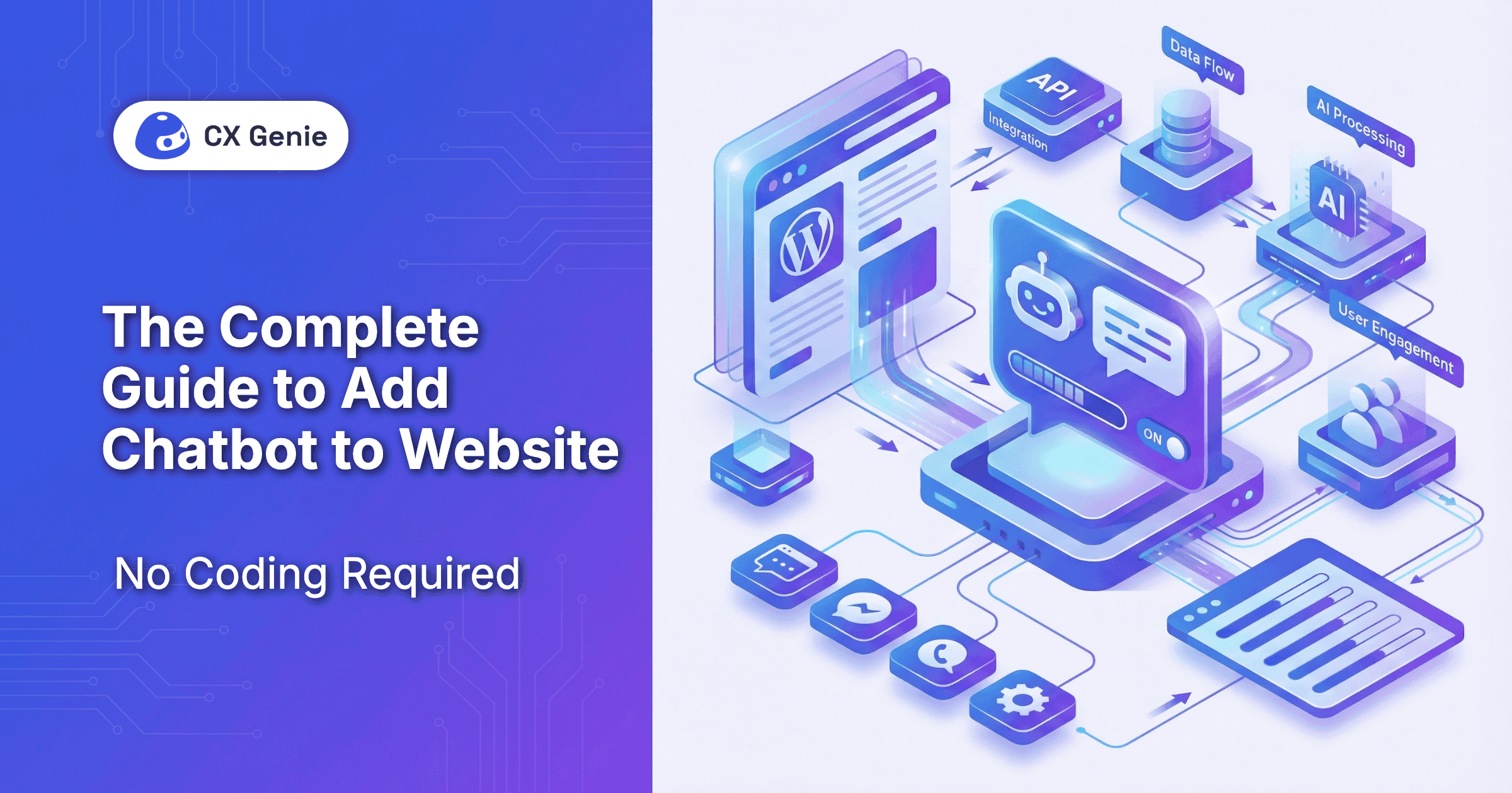
The Complete Guide to Add Chatbot to Website (No Coding Required)
If your website doesn't offer immediate support, you risk losing potential leads to competitors. Fortunately, you no longer need a team of developers to bridge this gap. This guide explores how to add chatbot to website builds using no-code solutions that empower anyone to enhance their customer experience in minutes.
Key Takeaways
- No Coding Required: Modern platforms like CX Genie allow you to deploy a fully functional AI chatbot by simply copying and pasting a snippet of code.
- 24/7 Availability: Chatbots ensure your business never sleeps, handling up to 68% of routine inquiries automatically.
- Data-Driven Training: You can train your bot using your existing website URLs, FAQs, and documents.
- Multi-Channel Reach: Beyond your website, no-code bots can integrate with WhatsApp, Messenger, and Shopify.
Why Your Website Needs a No-Code Chatbot Today
The primary reason to add chatbot to website interfaces is scalability. As your traffic grows, your human support team may struggle to keep up. An AI assistant provides:
- Instant Gratification: Reduces bounce rates by answering questions the moment they arise.
- Cost Efficiency: Automating repetitive tasks reduces the need for a large support staff.
- Lead Generation: Bots can proactively engage visitors, qualify leads, and book meetings while you sleep.
Top Features to Look for in a No-Code Chatbot Platform
When choosing a platform, look for these essential capabilities:
1. AI and Natural Language Processing (NLP)
Ensure the bot understands intent rather than just keywords. Advanced platforms like CX Genie use auto-learning engines that get smarter with every interaction.
2. Hybrid Support Model
The best bots know when to step aside. Look for a "Human-in-the-loop" feature that allows a seamless handoff to a live agent for complex issues.
3. Multi-Language Support
If you have a global audience, choose a platform that supports 50+ languages to provide a localized experience.
Step-by-Step Guide: Setting Up Your First Chatbot Without Coding
Adding a chatbot is simpler than it sounds. Follow these steps using a platform like CX Genie:
- Create Your Account: Sign up and select "Create New Bot."
- Train the AI: Instead of writing scripts, simply provide your website URL or upload a PDF of your FAQs. The AI will "read" your data and learn your business.
- Set Up Workflows: Use a visual drag-and-drop builder to design specific paths, such as "Track My Order" or "Book a Demo."
- Embed the Widget: Copy the provided JavaScript snippet and paste it into the `` or `` tag of your website builder (WordPress, Wix, Shopify, etc.).
Customizing Your Chatbot’s Appearance and Personality
Your chatbot should feel like an extension of your brand.
- Visual Branding: Match the chat widget’s colors, icons, and fonts to your website’s design.
- Tone of Voice: Choose whether your bot should be professional, friendly, or quirky.
- Avatars: Use a custom logo or a friendly human face to make the interaction feel more personal.
Integrating Your Chatbot with Your Existing Marketing Tools
To maximize ROI, your chatbot shouldn't operate in a vacuum. Connect it to:
- CRMs: Automatically send qualified leads to HubSpot or Salesforce.
- E-commerce Platforms: Sync with Shopify to provide real-time order status updates.
- Communication Hubs: Receive notifications in Slack or Microsoft Teams when a high-value lead is chatting.
Best Practices for Testing and Optimizing Your Website Chatbot
- Monitor "Fallback" Rates: Check where the bot fails to answer and update your knowledge base accordingly.
- A/B Test Greetings: Try different proactive messages to see which ones drive the most engagement.
- Request Feedback: Use a simple "Was this helpful?" thumbs-up/down at the end of chats to measure CSAT (Customer Satisfaction).
FAQs
Do I need to know HTML or CSS to add a chatbot?
No. Most platforms provide a simple "embed code" that you copy and paste. If you can use a website builder like WordPress, you can add chatbot to website pages easily.
Can a chatbot handle complex customer issues?
While AI handles routine FAQs, complex issues should be routed to human agents using a hybrid model.
Is CX Genie free to try?
Yes, CX Genie offers various tiers, including options to get started and see how AI automation can transform your support.
Conclusion
Learning how to add chatbot to website builds is no longer a technical hurdle—it’s a strategic advantage. By leveraging no-code AI platforms like CX Genie, you can provide 24/7 support, capture more leads, and free your team for higher-value work. Start small, train your bot with your existing data, and watch your customer engagement soar.



Join our newsletter!
Related articles

No data